 catnav
 catnav
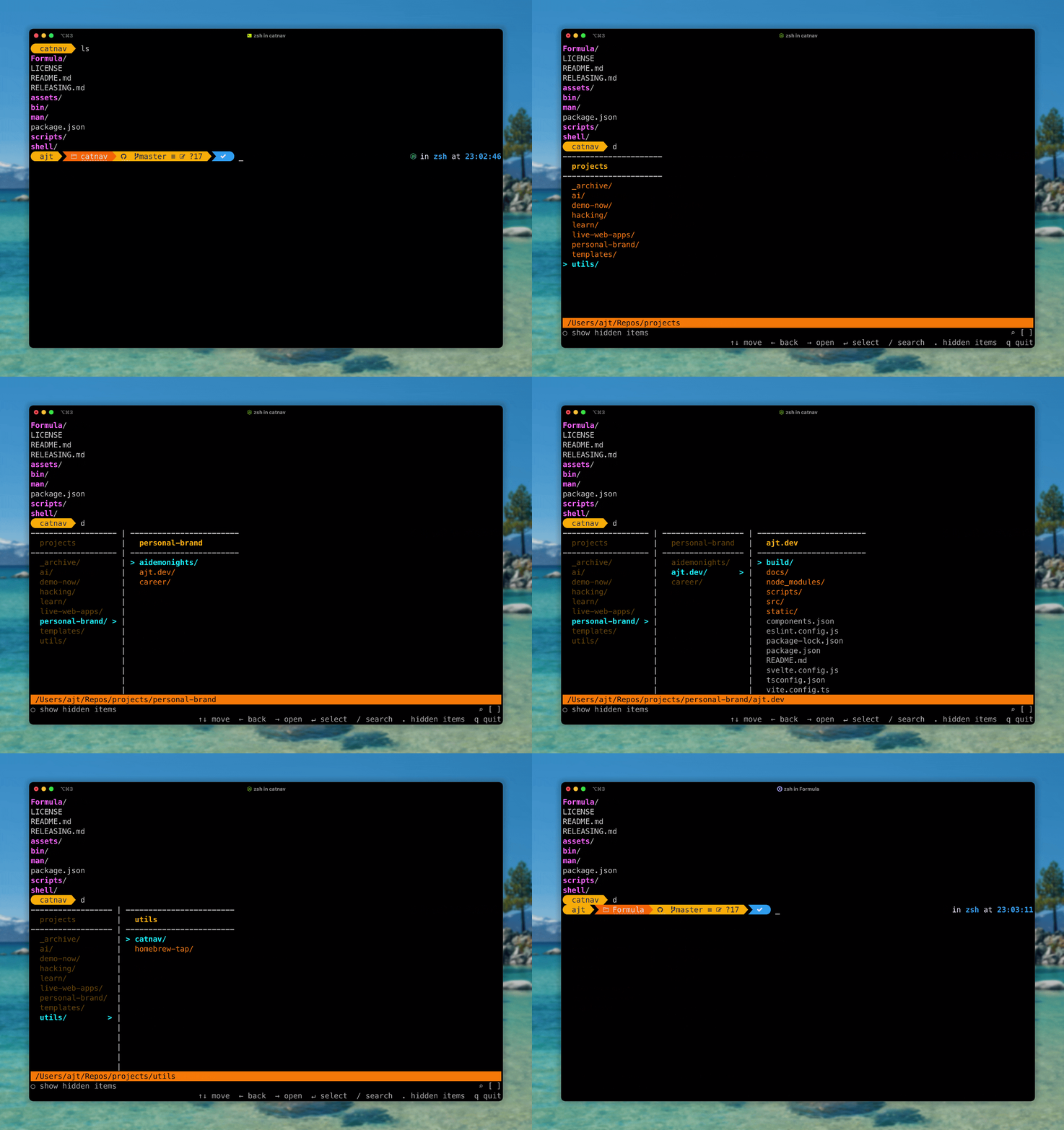
A small directory picker that shows Finder-style columns in your terminal, then changes your shell to the folder you choose.
catnav ~/projects
Install
Install CatNav, then run it once.
Homebrew
Fast path on macOS and Linux with Homebrew.
brew install andytyler/tap/catnavnpm
Works anywhere Node.js global packages are on your PATH.
npm install -g catnavFirst run
Creates the d shell helper, then asks you to reload your shell.
catnavUsage
Open, pick, land in the directory.
Reload zsh
Reload after the first interactive CatNav run.
source ~/.zshrcUse d
Open CatNav from a starting folder and cd to the selected directory.
d ~/srcPrint a path
Use the raw selector when another script should receive the selected path.
catnav ~/src/filter .hidden files Enterselect
Built by Andy Tyler. MIT licensed. catnav: Finder-style terminal navigation.